deep-linking-for-flutter-web
npx skills add https://github.com/rodydavis/skills --skill deep-linking-for-flutter-web
Agent 安装分布
Skill 文档
Deep Linking for Flutter Web
In this article I will show you how to have proper URL navigation for your application. Open links to specific pages, protected routes and custom transitions.
SetupÂ
Create a new flutter project called âflutter_deep_linkingâ
Open that folder up in VSCode.
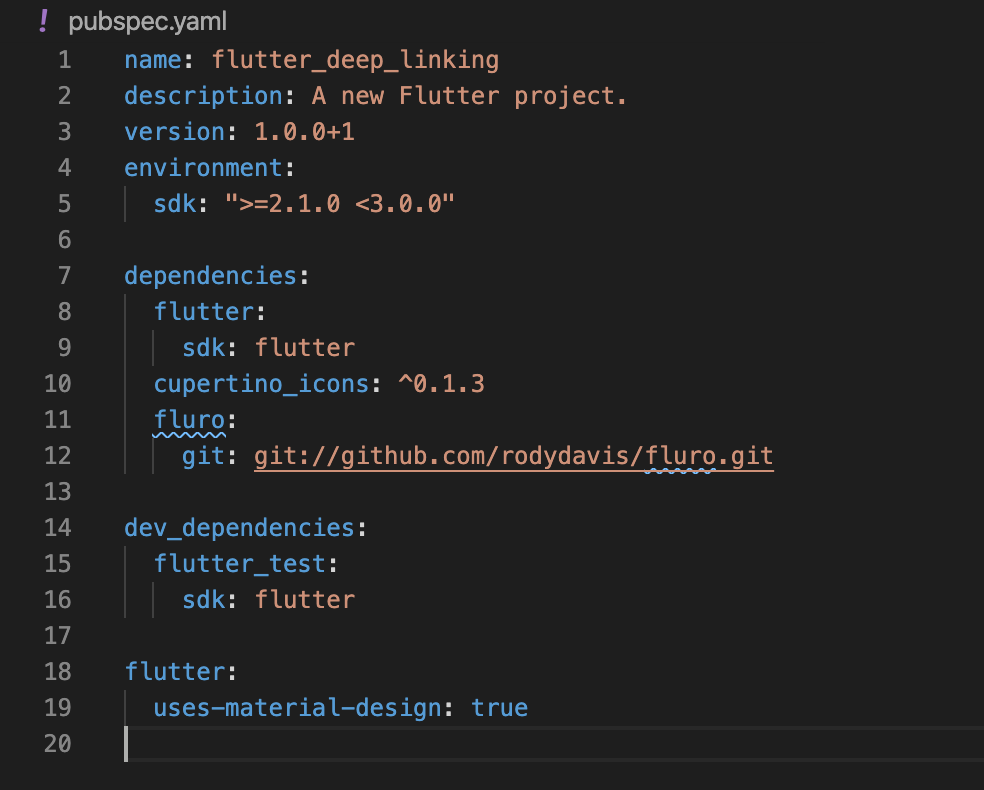
Update your âpubspec.yamlâ with the following:
Step 1Â
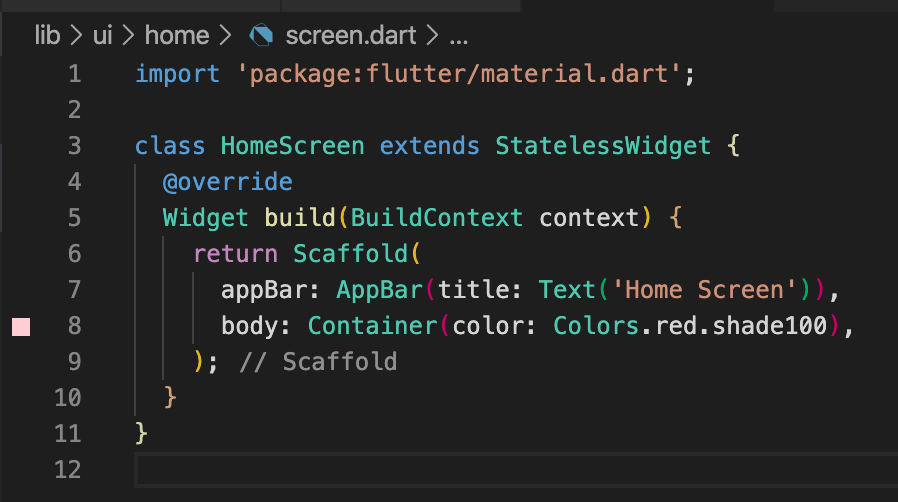
Create a file at âlib/ui/home/screen.dartâ and add the following:
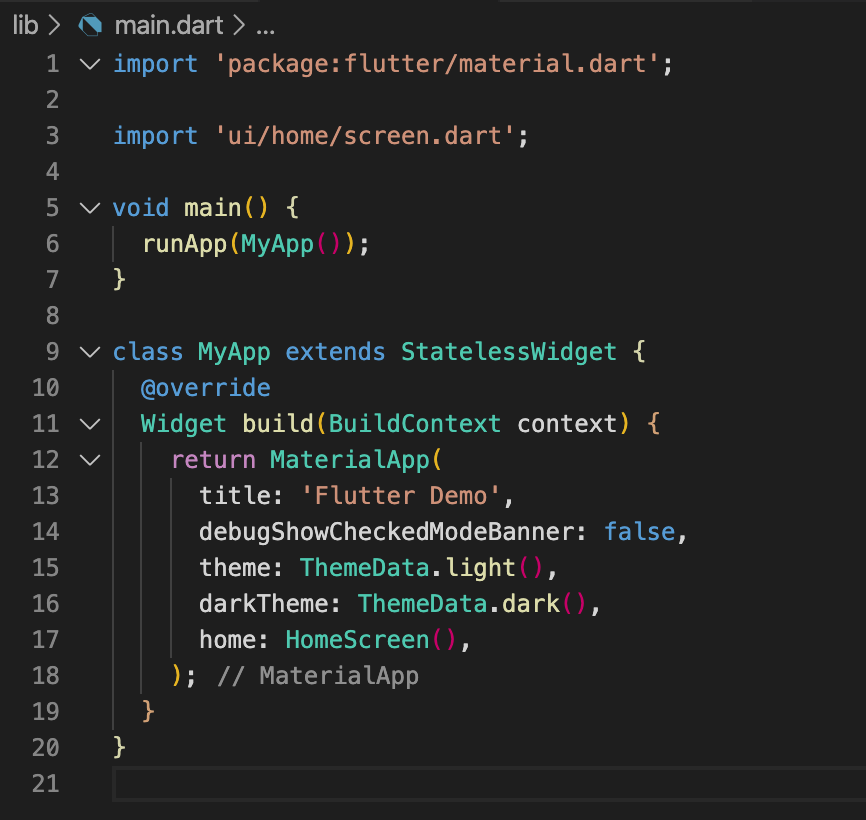
Update your âlib/main.dartâ with the following:
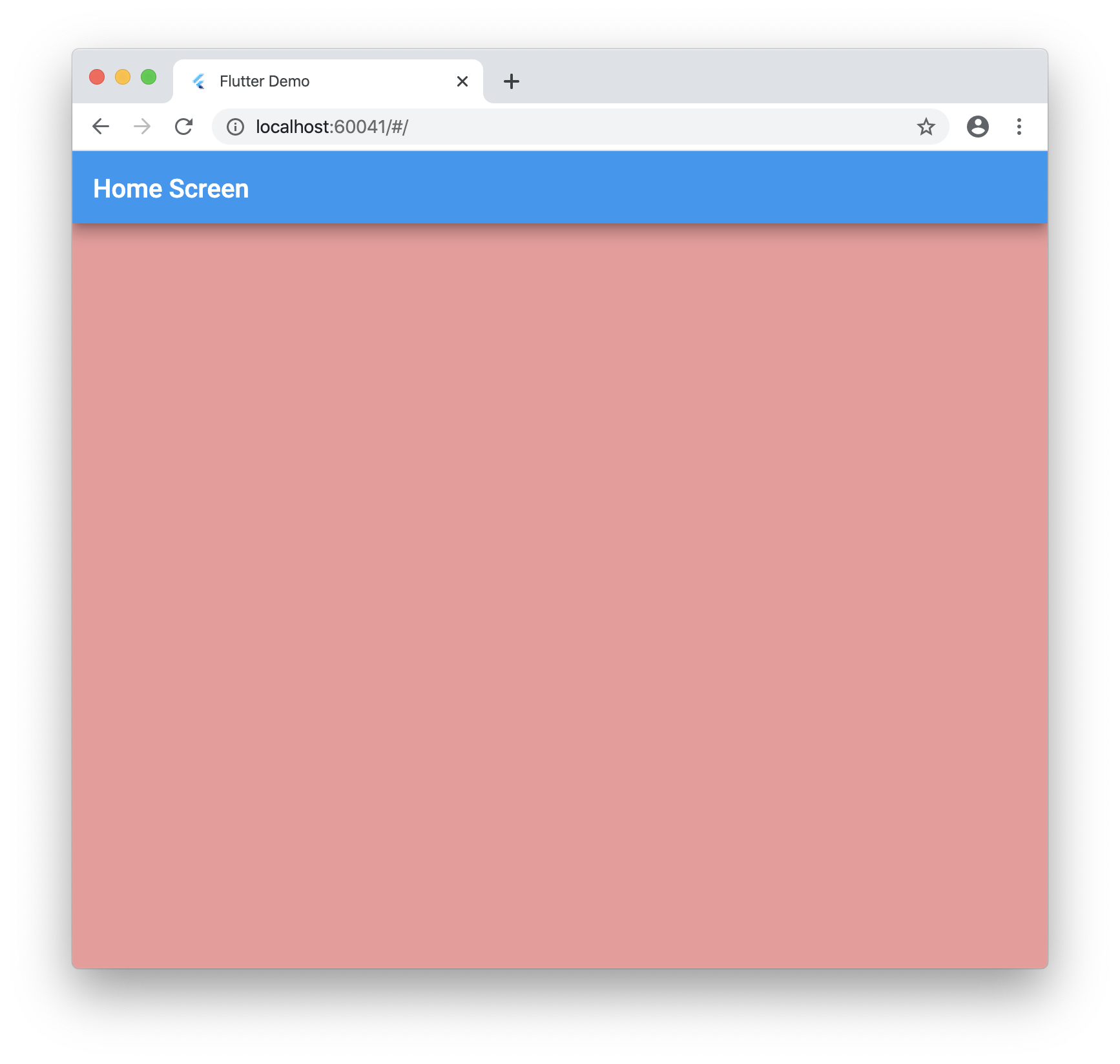
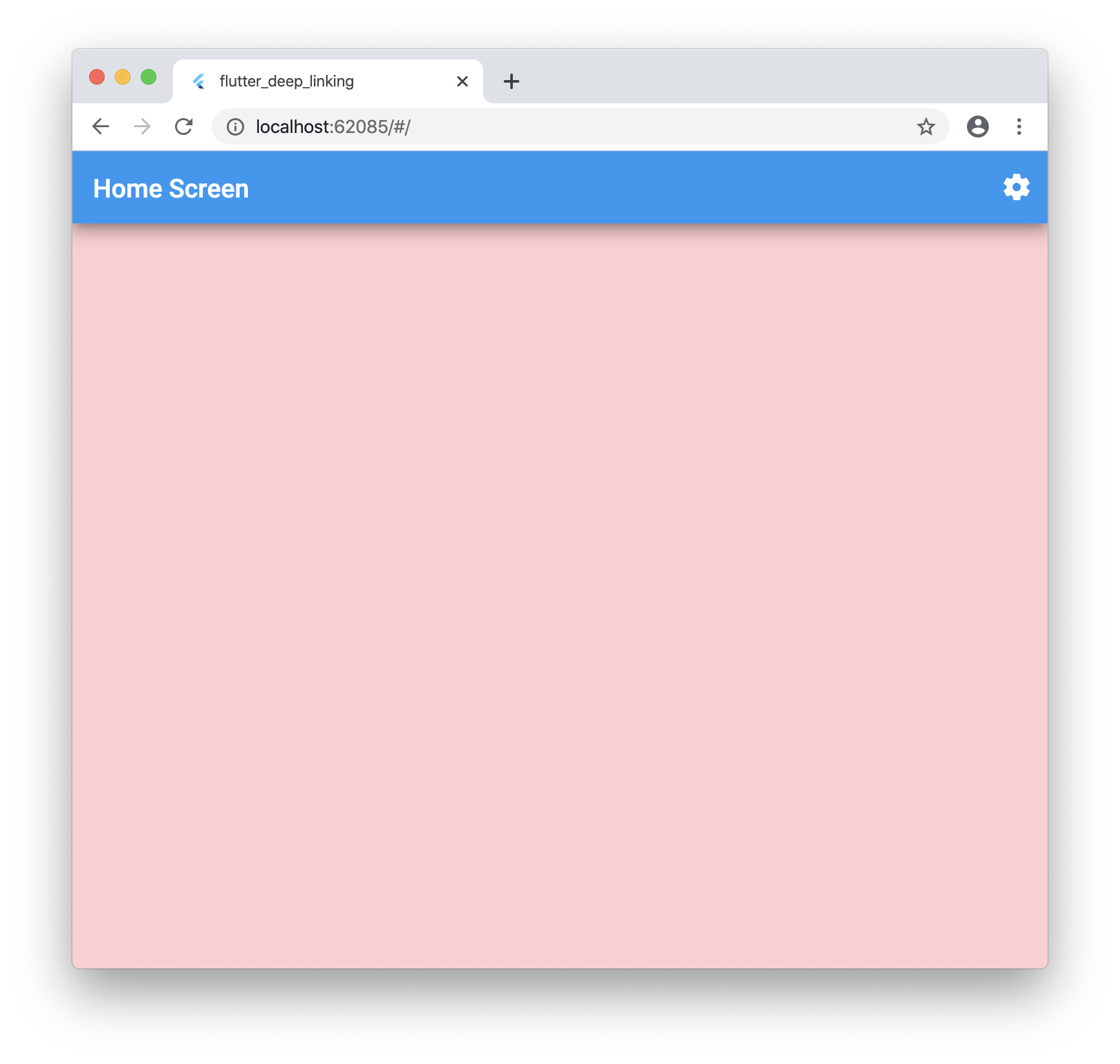
Run your application and you should see the following:
Step 2Â
Now we need to grab the url the user enters into the address bar.
Create a folder at this location âlib/plugins/navigatorâ
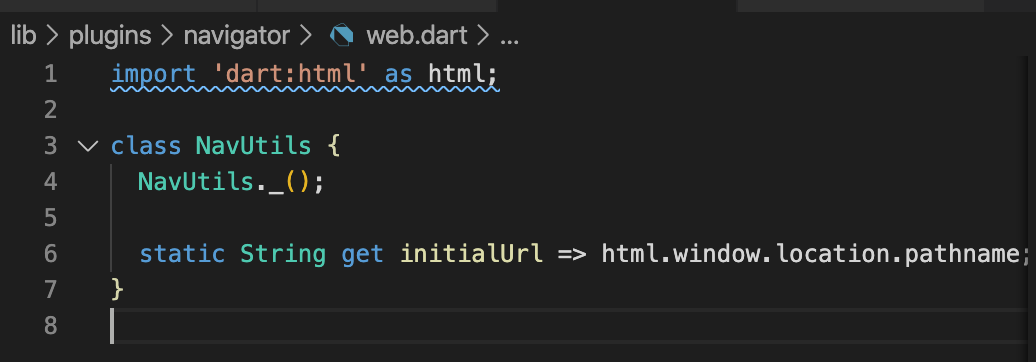
Create a file inside named: âweb.dartâ with the following:
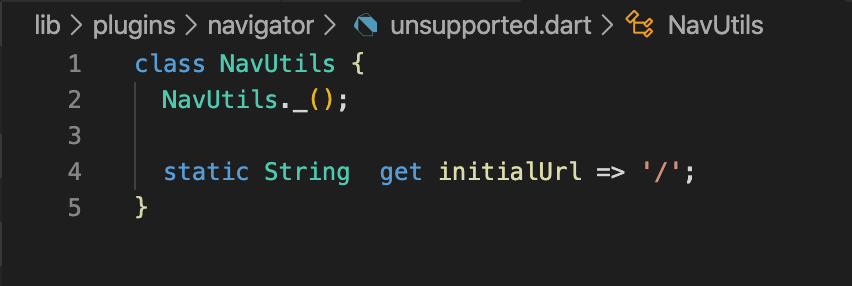
Create a file inside named: âunsupported.dartâ with the following:
Create a file inside named: ânavigator.dartâ with the following:

Now go back to your âlib/main.dartâ file and add the navigator:
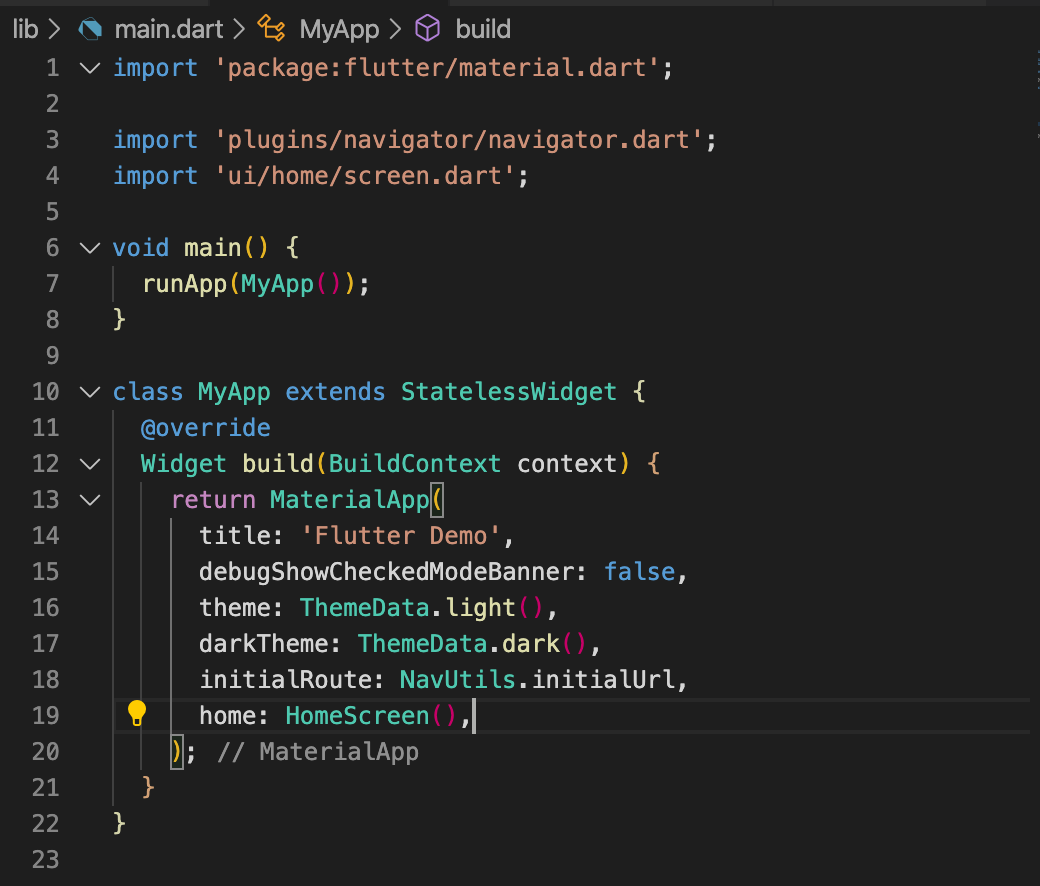
Itâs important to import the navigator as shown as this will have the conditional import for web compiling.
If you run the app now nothing should change.
Step 3Â
Now letâs add the proper routing.
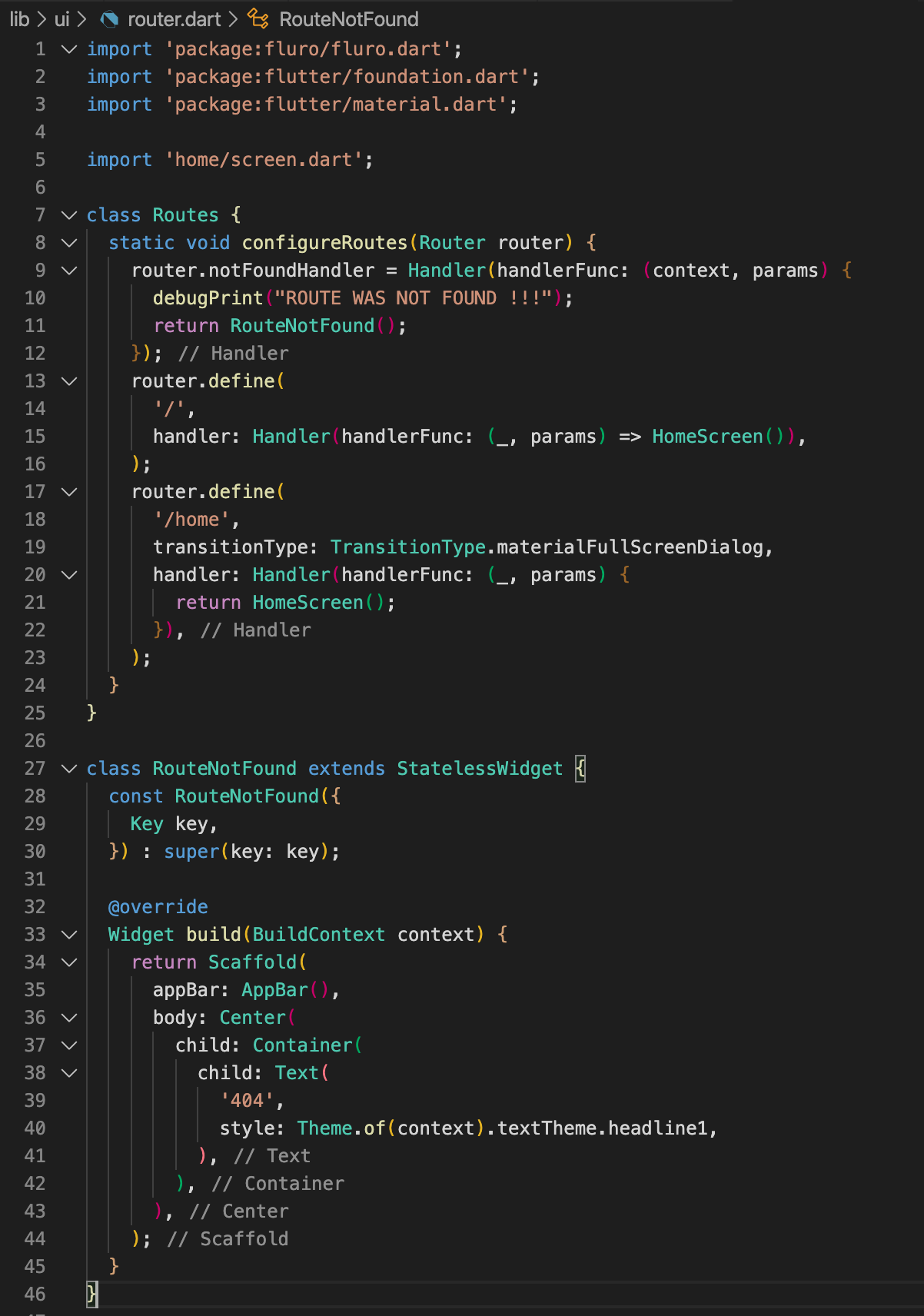
Create a new file âlib/ui/router.dartâ and add the following:
Also update âlib/main.dartâ with the following:
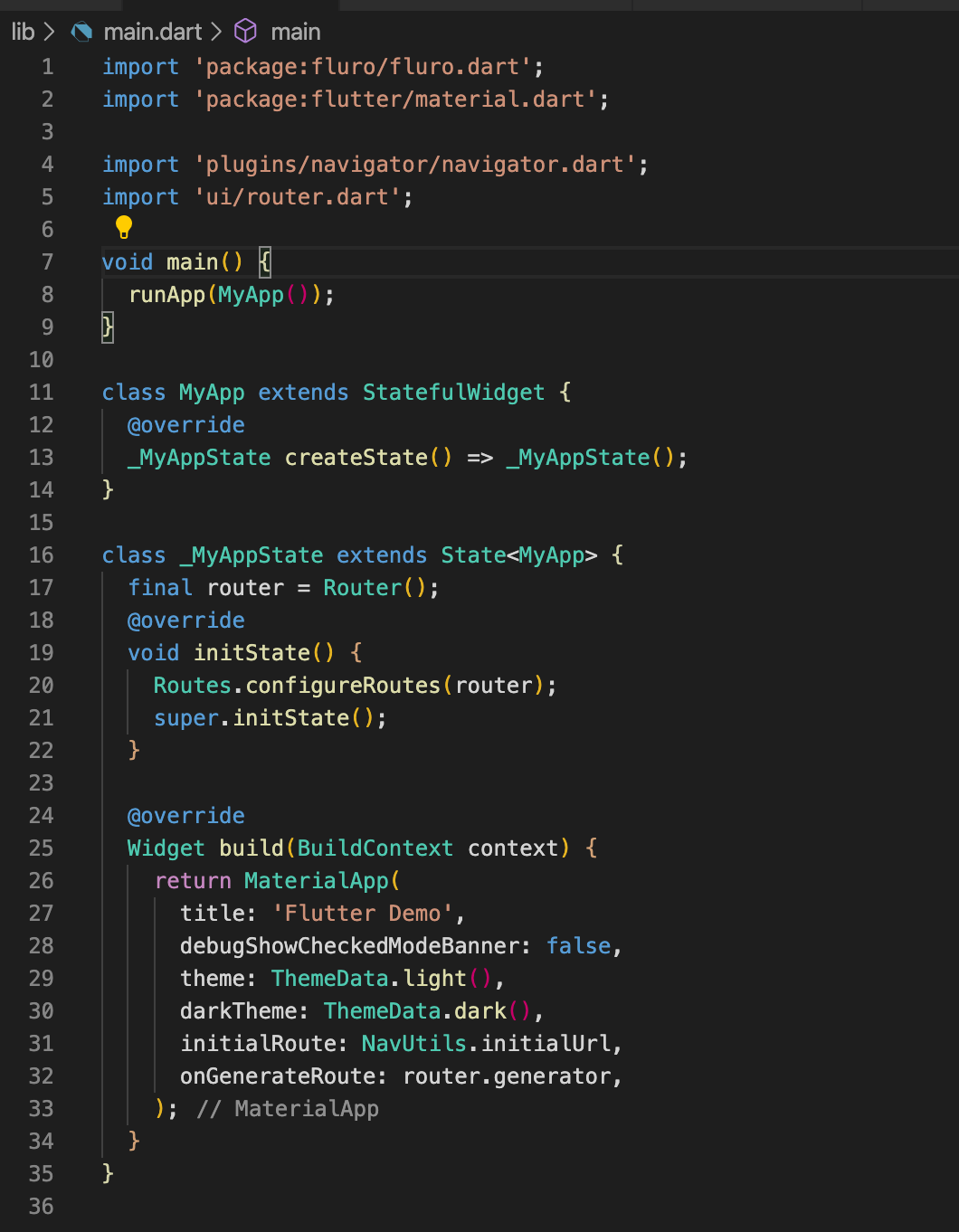
Notice how we removed the âhomeâ field for MaterialApp. This is because the router will handle everything. By default we will go home on â/â
Step 4Â
Now letâs add multiple screens to put this to the test! Add the following folders and files.
Create a file âlib/ui/account/screen.dartâ and add the following:
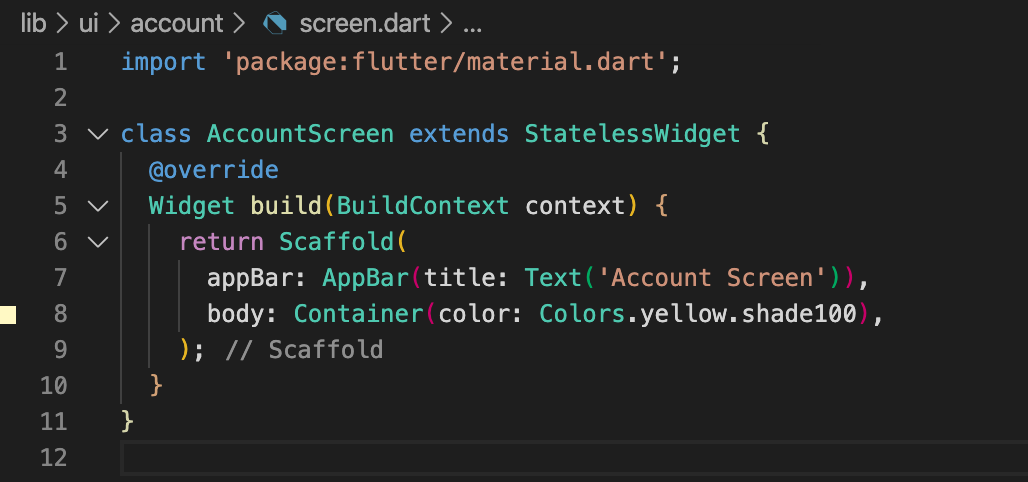
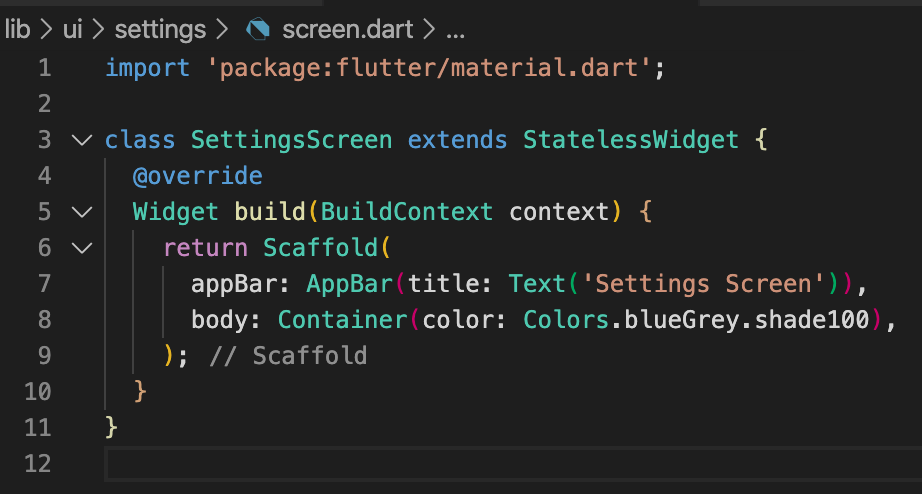
Create a file âlib/ui/settings/screen.dartâ and add the following:
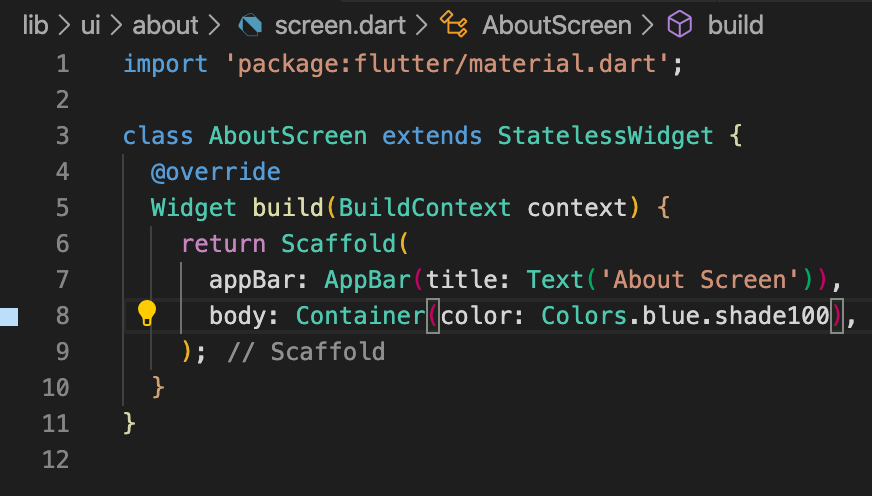
Create a file âlib/ui/about/screen.dartâ and add the following:
Add the following to âlib/ui/router.dartâ:
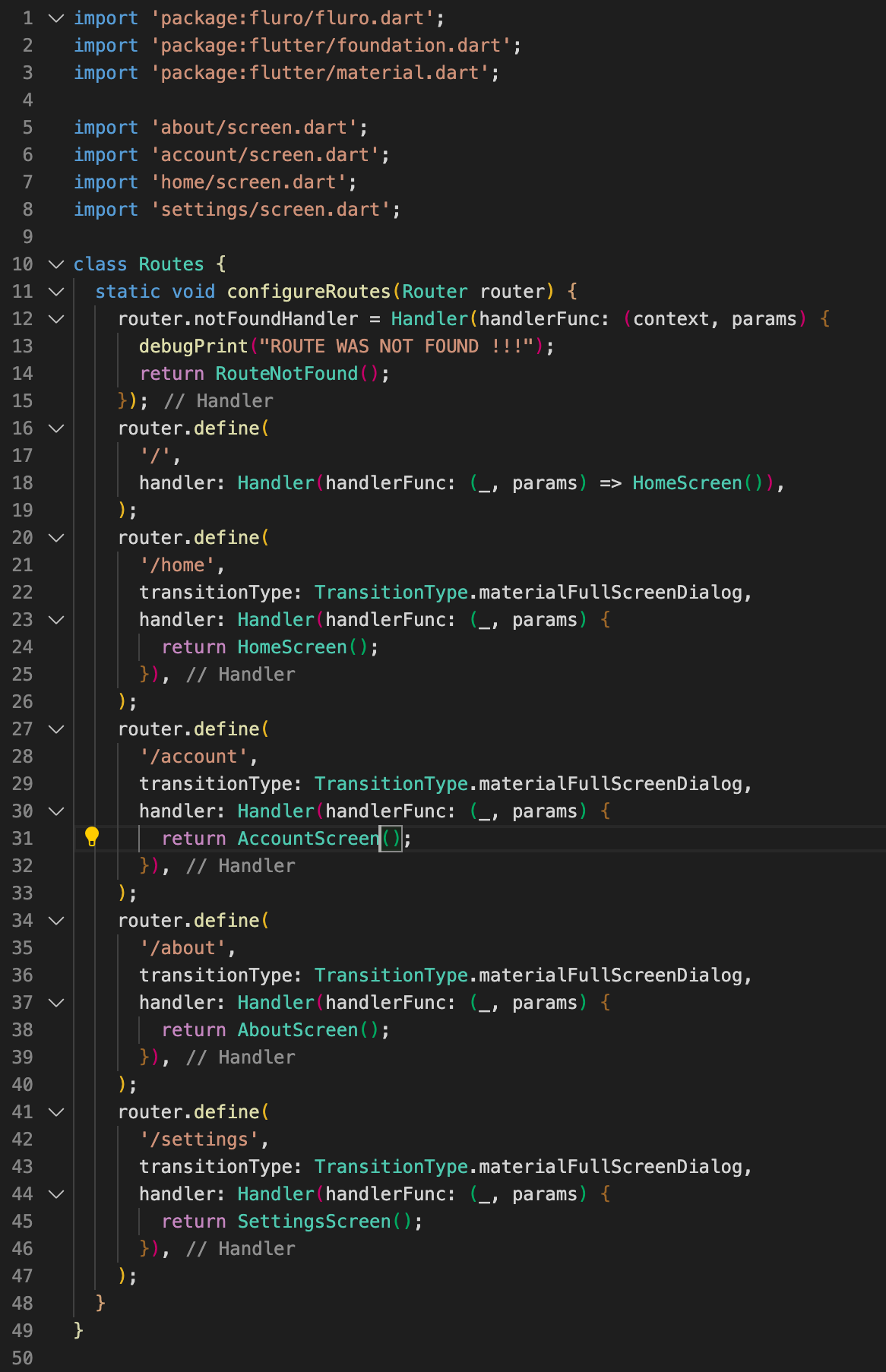
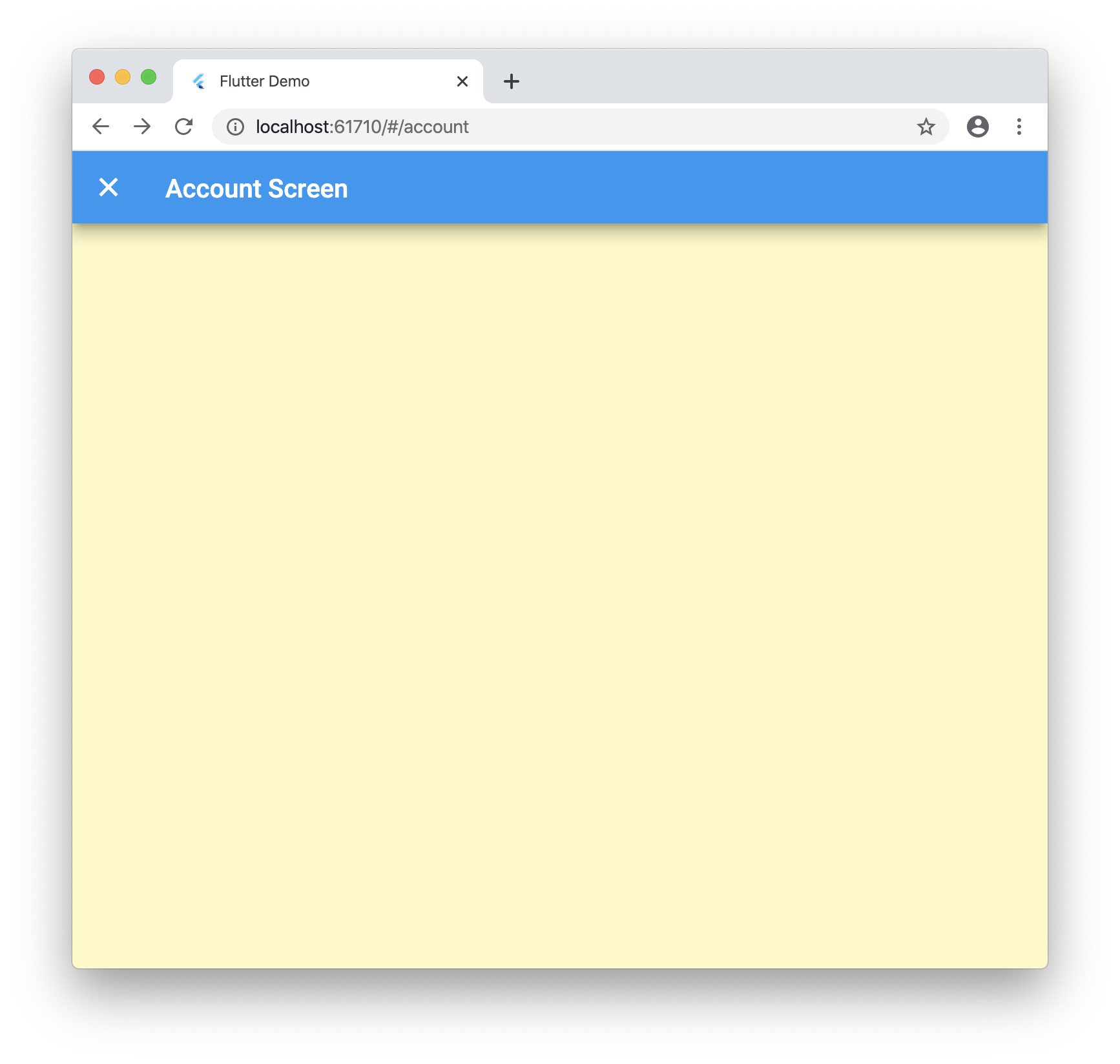
Now when you navigate to /about, /account and /settings you will go to the new pages!
Step 5Â
Now letâs tie into the browser navigation buttons! Update âlib/ui/home/screen.dartâ with the following:
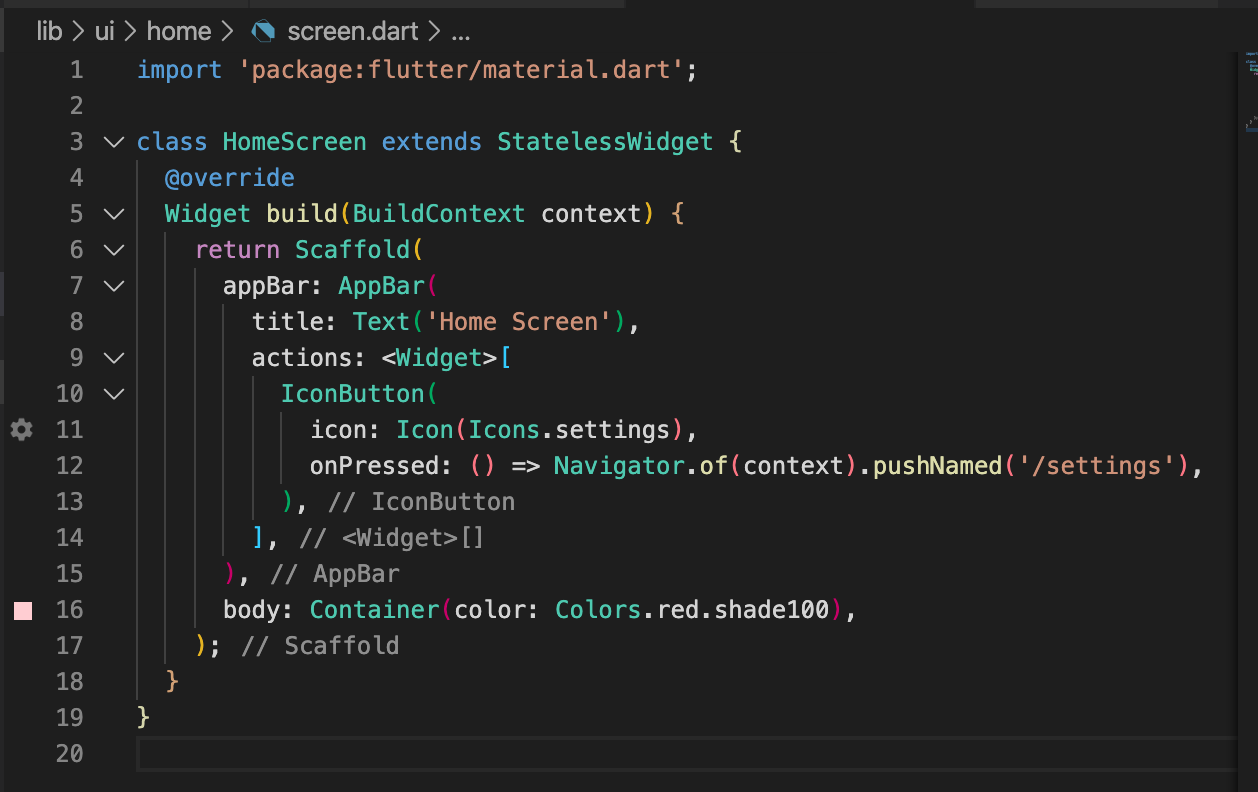
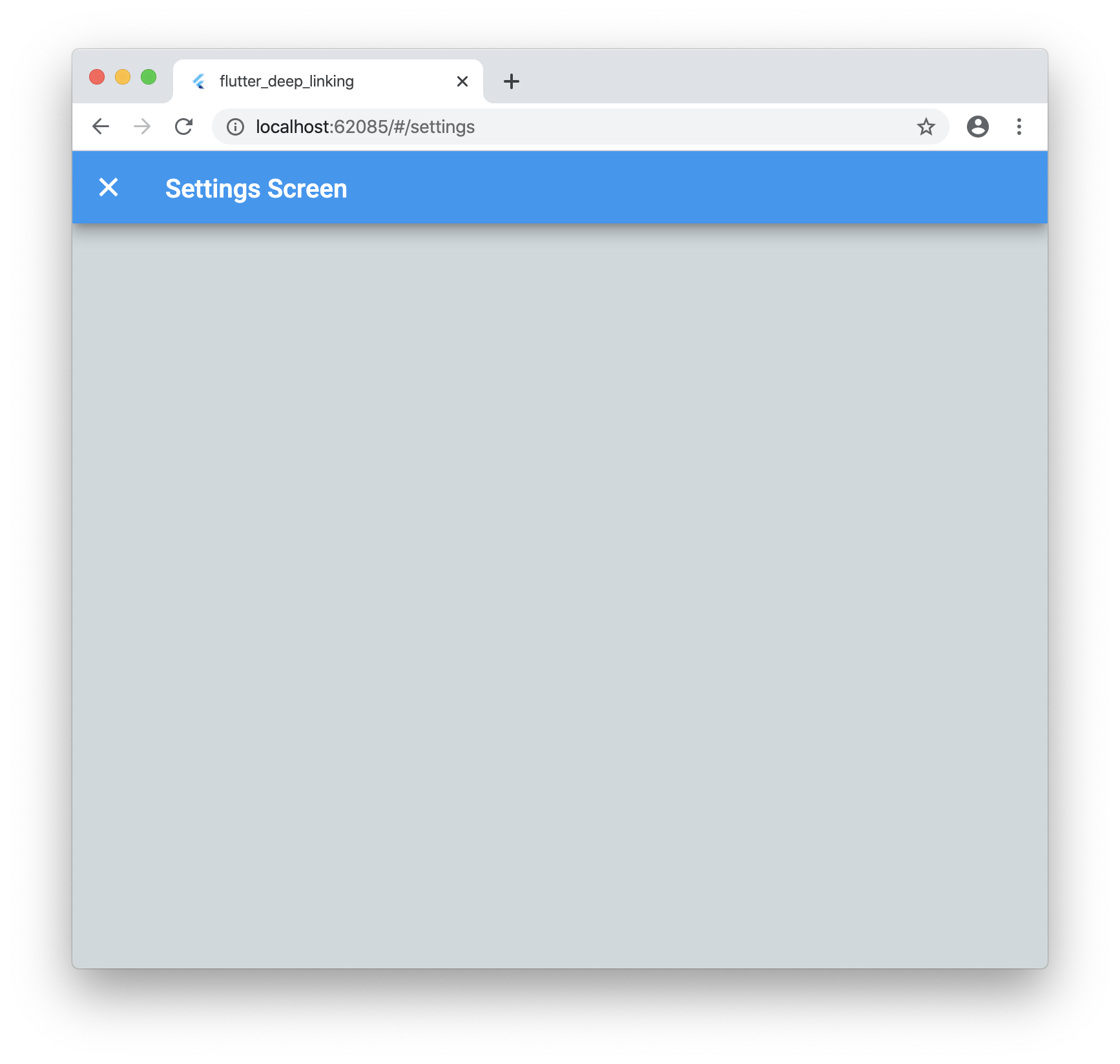
Now when you run the application and click on the settings icon it will launch the new screen as expected. But if you click your browsers back button it will go back to the home screen!
Step 6Â
These urls are great but what if you want to pass data such as an ID that is not known ahead of time? No worries!
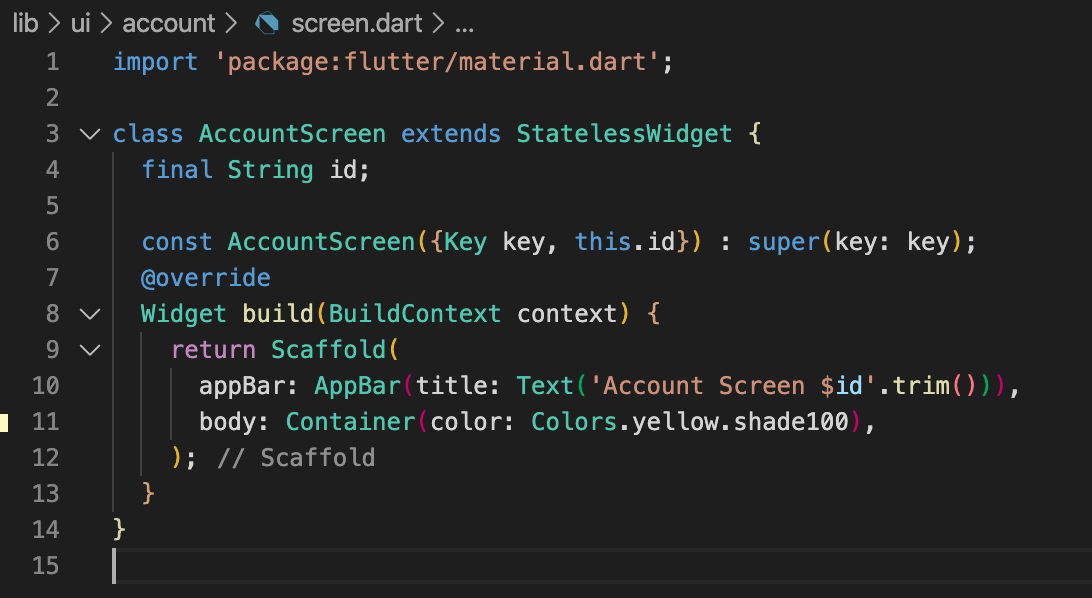
Update âlib/ui/account/screen.dartâ with the following:
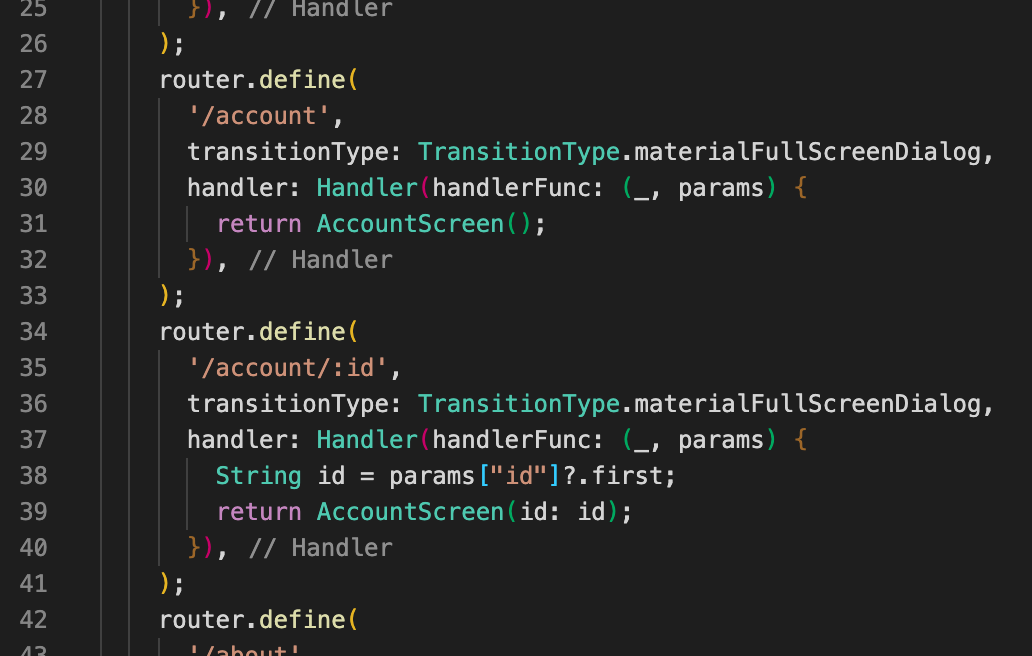
Letâs update our âlib/ui/router.dartâ with the following:
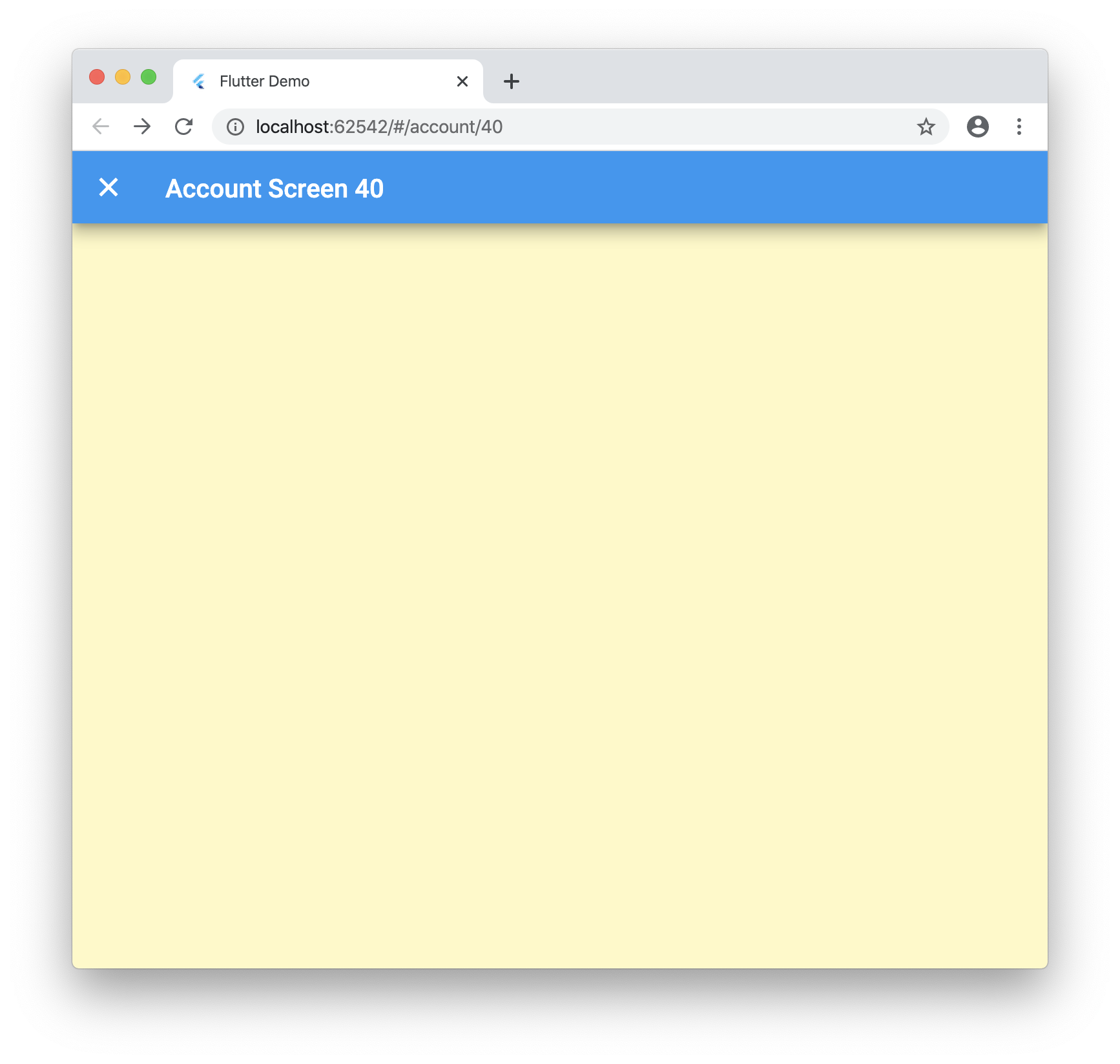
Now when you run your application and navigate to â/account/40â you will see the following:
ConclusionÂ
Dynamic routes work great for Flutter web, you just need to know what to tweak! This package uses a forked version of fluro for some fixes I added but once the PRs is merged you can just use the regular package. Let me know what you think below and if there is a better way I am not seeing!
Here is the final code:Â https://github.com/rodydavis/flutter_deep_linking